
Why Does My TV Turn On by Itself? 9 Causes and Fixes
A TV that switches itself on at night is almost never broken. A connected device, a timer, your home network or the remote sent it a wake signal — here is how to work out which one, brand by brand, and stop it for good.
Ethbase Newsroom · Published November 4, 2026 · Updated November 4, 2026
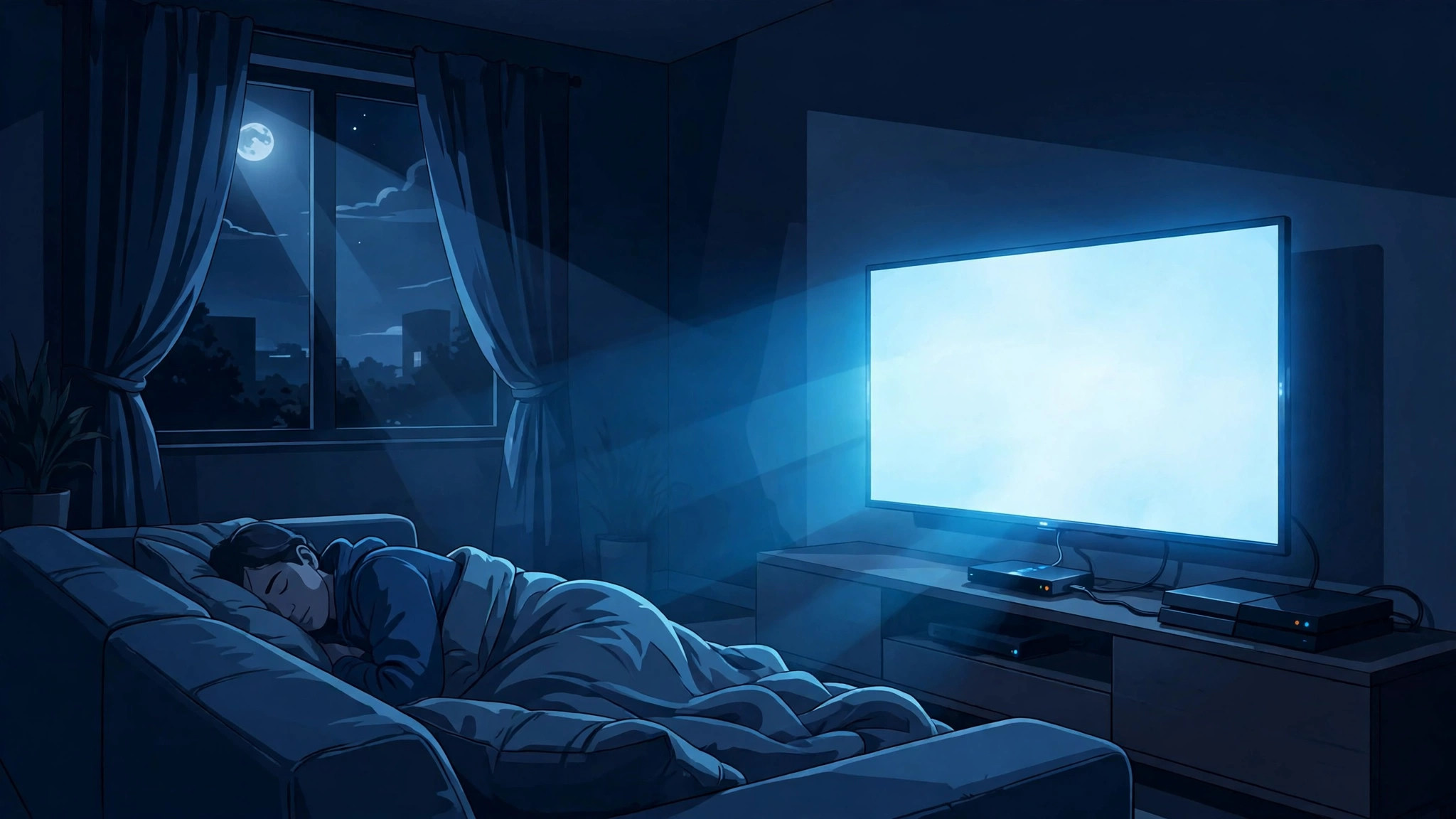
3 a.m. House dark. And suddenly your living room is glowing like someone just walked in and switched the TV on. Sound familiar? Before you start wondering about ghosts — relax. Your TV is almost certainly fine. Not broken. Definitely not haunted. Something just sent it a wake-up call. A gadget plugged into it, a timer, your Wi-Fi, or the remote. Figure out which one sent the signal, and the whole mystery collapses.
Here is the thing about random tips you find online. They only work if the tip happens to match YOUR culprit. Switch off the wrong setting and nothing changes — ask me how I know. Two minutes of detective work first, then one fix. That is the deal here: diagnose, then fix, brand by brand, no jargon.
The short answer, boiled down
Look, nine times out of ten it is one of three things. Seriously.
- HDMI-CEC. Your streaming stick, console or soundbar wakes itself up at night — updates, usually — and drags the TV along with it.
- A timer or an overnight update. Somebody set an On Timer once (maybe you, maybe a previous owner, maybe a kid), or the TV updated overnight and restarted itself straight into 'on' instead of standby.
- A network wake. Phone app, a cast, a smart-home routine — something on your Wi-Fi nudged it.
Everything else? A remote acting up, and — much rarer — an actual hardware fault. Each one leaves fingerprints. Here is how to spot them.
First, work out which cause you have
Seriously, do not change anything yet. Just... watch it. When does it happen? Because when it happens basically gives the game away.
Same time every single night, like clockwork? Then something is scheduled, full stop — could be a timer, could be an update on a schedule, could be a routine hiding in a smart-home app. A TV does not just develop a punctual habit for fun.
Or maybe it only ever wakes up when another gadget has been in use — you used the console, or the streaming stick was doing something, and boom, TV is on. That is CEC doing what CEC does, the TV taking orders from whatever is plugged into it.
Random, though? All over the place, usually while someone is messing about on their phone? Then I would be looking at the network — casting, some app, a voice assistant routine, one of that lot.
And if it is on-off-on-off-on-off, looping like that? Whole different story, that is. Skip to the hardware section at the bottom, because looping is not waking.
Oh, and Samsung people — you have got a cheat code here that most owners never discover. Anything from 2019 onward keeps a log of why it turned on. You go Settings, then Support, then About This TV, then Event Logs, and there it is, written out for you: maybe a CEC command, maybe a network wake (it shows up as WOL or Magic Packet), maybe an app — YouTube, SmartThings, that sort of thing — or the sensor. Honestly, two minutes staring at that log beats an entire evening of guessing.
Sony Bravia does not give you that log, unfortunately. The unplug test further down does the same job though — HDMI cables out for a night or two and just see whether it stays off.
Cause 1: HDMI-CEC — a connected device is waking your TV
So what is HDMI-CEC, actually? It is the feature that lets devices boss each other around over the HDMI cable. Hit a button on your streaming remote, TV wakes up and jumps to the right input. Brilliant at 7 p.m. Not so brilliant when your console or streaming stick wakes itself at 3 a.m. to check for updates and fires off the same 'one touch play' command while everyone is asleep.
Now here is the bit that trips everyone up — every single brand calls it something different. Same feature, new name, so you scroll straight past it in the menus without realising. On recent models, roughly, you will find it in these places (and if the wording on yours is a bit different, just look for the brand's name for it):
- Samsung — Anynet+. Settings → General → External Device Manager → Anynet+ (HDMI-CEC). Newer Samsung sets sometimes put it under Settings → Connection → External Device Manager instead.
- LG — SimpLink. Settings → General → Devices → HDMI Settings → SIMPLINK (HDMI-CEC).
- Sony — BRAVIA Sync. Settings → Watching TV → External inputs → BRAVIA Sync settings. Sony chops it into sub-switches, and honestly the one called 'TV auto power on' is usually the entire problem on its own.
- TCL and Roku TVs. Settings → System → Control other devices (CEC) — '1-touch play' is the one that lets a device wake the TV.
- Vizio — CEC. Settings → System → CEC.
- Panasonic — VIERA Link / HDAVI Control. You will find it in the Setup menu, under VIERA Link Settings.
- Toshiba — Regza Link / CE-Link. In the preferences or setup menus.
One more thing before you go switching CEC off on the TV itself: try quieting the device that is actually causing it. Go into the streaming stick or console's own menus, find its CEC or 'control TV' option, switch that off — and while you are there, check it is not set to update or restart itself overnight. The reason I would do it that way round: turning CEC off at the TV works, sure, but it takes other stuff with it, like soundbar audio over ARC/eARC and controlling everything with one remote. Sort out the one noisy box and you keep all of that — and you sleep through the night.
Cause 2: A timer or an overnight update switched it on
On Timers are the sneakiest of the lot. One got set at some point — by a previous owner, by a kid with the remote, by you during setup three years ago and then completely forgotten — and it has just been sitting there ever since, doing its thing. Have a look in the timer or time settings — on a Samsung that is Settings → General → System Manager → Time — and get rid of any On Timer or auto power-on entry you do not recognise.
And then there is the update trick, which is even sneakier. A lot of smart TVs pull updates down overnight, and a few of them restart into fully-on after installing, instead of going back to standby like they should. So if the night-time switch-ons started right after an update went in, that is not a coincidence, that is your answer. Go into the software update settings, turn the automatic ones off, and just update it yourself every month or two when you are awake. You still get every update. Just not at 3 a.m.
Cause 3: Your network is waking it
People forget this one: a modern TV on standby is not actually asleep. It is listening to your home network with one ear open. And there is a handful of things that can shout into that ear:
- Wake-on-LAN and those 'power on with mobile' settings. Samsung's version is Power On with Mobile, which ties into SmartThings. LG's is called Mobile TV On. Either way, they let a phone turn the TV on — so a buggy app, or honestly just someone else's phone in the house, can set it off by accident.
- Fast-start modes. Quick Start+, Fast Startup, Network Standby, that family of settings. They keep the TV half-awake so it starts up quicker — and, well, half-awake also means much easier to wake up by mistake.
- Casting. Phone on the same Wi-Fi, someone opens YouTube or a music app, one wrong tap, and the TV powers on along with the cast. From the next room, even. Happens way more than people admit.
- Smart-home routines. Alexa, Google Home, SmartThings — some 'movie night' routine, or a scheduled automation, or a motion trigger somebody set up ages ago. The TV can be sitting in there and nobody remembers putting it there.
So: turn the mobile power-on setting off, and the fast-start mode off, and give it a couple of nights. If the TV stays dark, you have found your neighbourhood — then switch them back on one at a time and wait for the culprit to give itself away.
Cause 4: The remote is sending signals on its own
I know, I know — sounds daft. But Samsung's own support page lists this one first, so hear me out. Dirt or sticky gunk around the power button can leave it half-pressed, firing signals whenever it feels like it. Low batteries make some remotes act weird too. And the remote wedged down the side of the sofa, getting slowly sat on? Genuine classic.
Free test, tonight: take the batteries out of every TV remote in the room before bed. TV behaves? Then clean the buttons with a slightly damp cloth, pop in fresh batteries, and make sure the power button is not physically stuck down. Fixed, for the price of two AAs.
Cause 5: Power glitches, and the two tests that settle arguments
Power cuts and cheap power strips can leave some TVs in a weird state — and a few models just switch on when the power comes back. Two moves sort most of it. First: unplug the TV from the wall for a full 60 seconds. Not ten. A full minute. Then plug it straight into a wall outlet, not a strip. That proper restart clears a surprising amount of nonsense.
Still waking? Time for the isolation test. Every HDMI cable out, TV on power only, 24 to 48 hours. Stays off? A connected device did it — plug them back in one at a time, a day apart, and the night it wakes again, you have caught it. Still wakes with nothing attached? Then the trigger is inside the TV's own settings — or, if not that, its hardware.
When it actually is a hardware fault
Waking up: settings problem. Looping: not. If the TV switches on and off over and over, clicks, or just sits there flashing its standby light in a pattern — that is what Samsung and repair techs link to a failing power-supply board. At that point: stop using it, unplug it, book a repair. And do not pop the back off yourself — the power supply can hold a dangerous charge even after you have unplugged it. Same deal if the set feels unusually hot or smells like burning. Everything else in this guide? Safe to try at home. A power board is where DIY stops.
Checked and updated in November 2026, against the TV makers' own support guidance. And one heads-up: menu names drift a bit between model years, so if your TV calls a setting something slightly different, just search the settings menu for the brand name — Anynet+, SimpLink, BRAVIA Sync — rather than the exact phrase.
Fast checklist: try these fixes in order
Do not want to read the whole thing twice? Fair enough. Here is the whole fix, in the order I would actually do it:
- Watch the pattern first. Same time every night, random, or only when another gadget has been used — that alone points at the culprit.
- Samsung (2019 or newer)? Check the Event Log. Settings, then Support, then About This TV, then Event Logs — it usually just names the trigger outright.
- Clear the timers. Look in the timer or time settings and delete any On Timer or auto power-on entry you do not recognise.
- Quiet the device before killing CEC. Turn off CEC or 'control TV' on the streaming stick or console first — that way you keep soundbar audio and one-remote control.
- Switch the network wake stuff off for a couple of nights. Mobile power-on and the fast-start mode, both off. If the TV stays dark, switch them back on one at a time.
- Batteries out of every remote before bed. TV behaves that night? Clean the buttons, fresh batteries, check the power button is not stuck.
- Unplug it for a full 60 seconds. Not ten — a full minute — then straight into a wall outlet, not a power strip.
- Still waking? Run the isolation test. Every HDMI cable out, power only, 24 to 48 hours. Reconnect devices one at a time, a day apart, until the guilty one outs itself.
- Looping, clicking or flashing? Stop. On-and-off looping, a clicking sound, a flashing standby light, heat or a burning smell — that is unplug it and book a repair, not a settings fix.
A TV that turns on by itself feels like a poltergeist and behaves like a group chat — it only ever pipes up when something else messages it first. So track down the messenger. Could be a device, a timer, your network, the remote. Go by the pattern — and if it is a Samsung, that event log — and honestly, one evening is usually all it takes. For more plain-English fixes like this, browse the Technology section and our How To guides, or start from the Ethbase homepage.
Questions & Answers
- Why does my TV turn on at the same time every night?
- Something is running on a schedule, that is why — TVs do not develop a favourite hour all by themselves. First place to look: the On Timer in the time settings. Then whether an overnight software update is restarting the set. Then any smart-home routine timed for that hour. Get rid of the timer or turn the automatic updates off, and those same-time visits should stop.
- Can HDMI-CEC really turn my TV on by itself?
- Oh, absolutely — that is what it is built to do. CEC lets a connected box send a 'one touch play' command, the TV wakes up and jumps to the right input. Where it goes wrong is at night, when a streaming stick or console wakes itself to check for updates and fires that command off while everyone is asleep. The neatest fix, more often than not, is switching CEC off on the device rather than on the TV.
- How do I stop my TV from turning on by itself permanently?
- By finding the trigger instead of just muting the symptom, basically. Start with the pattern — is it the same time, totally random, or when another device is active? Then go down the list: timer settings, your brand's CEC switch (Anynet+, SimpLink, BRAVIA Sync), the network wake options, then the remote. Samsung owners get a shortcut — the Event Logs screen under Settings → Support → About This TV will often just come out and tell you the reason.
- Why does my Samsung TV keep turning on and off by itself?
- Careful — that question hides two different problems. Turning ON on its own is usually Anynet+ (HDMI-CEC), Power On with Mobile, a timer, or a sticky remote button, and the Event Logs screen will name the culprit. Turning on and OFF in a loop, with clicking or a flashing standby light? That is a power-supply fault, and no settings change fixes that one — it needs a repair technician.
- Is it dangerous if my TV turns on by itself?
- Almost never, no. The overwhelming majority of the time it is a setting or a signal from another device — worst case, a ruined night's sleep and a slightly bigger power bill. You only need to worry if it starts looping on and off, or clicking, or running hot, or smelling of burning — that is unplug-it-and-call-a-technician territory.